When you think of gaming, health might not be the first thing that comes to mind. But let’s talk about the amazing benefits of ergonomic gaming! It’s all about optimizing your gaming setup so you can enjoy your favorite pastime without the discomfort.
One of the biggest perks of ergonomics is preventing those pesky aches and pains. Spending hours glued to your gaming chair can lead to back, neck, or wrist issues. With ergonomic chairs and accessories designed to support your body, you can stay comfortable and focused on your game. Many of these chairs promote good posture and help reduce strain on your muscles and joints.
Another fantastic advantage? Improved concentration and performance. When you’re comfortable, it's easier to stay in the zone and really get into the game. Less discomfort means fewer distractions! Plus, having the right gaming setup can increase your gaming stamina, so you can play longer without feeling drained.
Don’t forget about eye health! Ergonomic gaming isn’t just about your body; it also supports your eyes. You can use monitors that are adjustable in height and angle to prevent straining your eyes. Better screen positioning helps you avoid headaches and keeps you locked in on your screen for hours without discomfort.
In short, making small adjustments to your gaming environment can pay off big time in comfort and health. So, whether you're a casual player or a hardcore gamer, consider investing in ergonomic gear. Your body and mind will thank you during those long gaming sessions!
Essential Gear for Better Posture
When it comes to gaming, comfort is key. Poor posture can lead to all sorts of aches and pains, which is the last thing you want while trying to enjoy your favorite game. That’s where essential gear comes into play. Let's dive into some must-haves that can help you play longer and feel great!
1. Ergonomic Chair:Investing in a good ergonomic chair can make a world of difference. Look for a chair with adjustable features so you can find the perfect height and support for your back. A chair that encourages proper spinal alignment can help you sit comfortably for hours without feeling stiff.
2. Standing Desk:If sitting all day isn’t your style, consider a standing desk. This allows you to alternate between sitting and standing, keeping your body engaged. Many options are adjustable, so you can easily switch positions based on how you’re feeling.
3. Wrist Rests:Your wrists take a beating during long gaming sessions. A good wrist rest helps keep your wrists in a neutral position, reducing strain and preventing injuries. Look for one that’s comfortable yet firm to give you the support you need.
4. Blue Light Glasses:Staring at screens can lead to eye strain, especially if you’re gaming for hours on end. Blue light glasses can help reduce glare and improve visual comfort. They’re a simple addition to your setup that can make a significant difference in how your eyes feel after a long session.
Simple Tips for a Healthy Setup
Having a healthy gaming setup is key to keeping your body feeling great during those long gaming sessions. Here are some simple tips to make sure you're set up for success while you play.
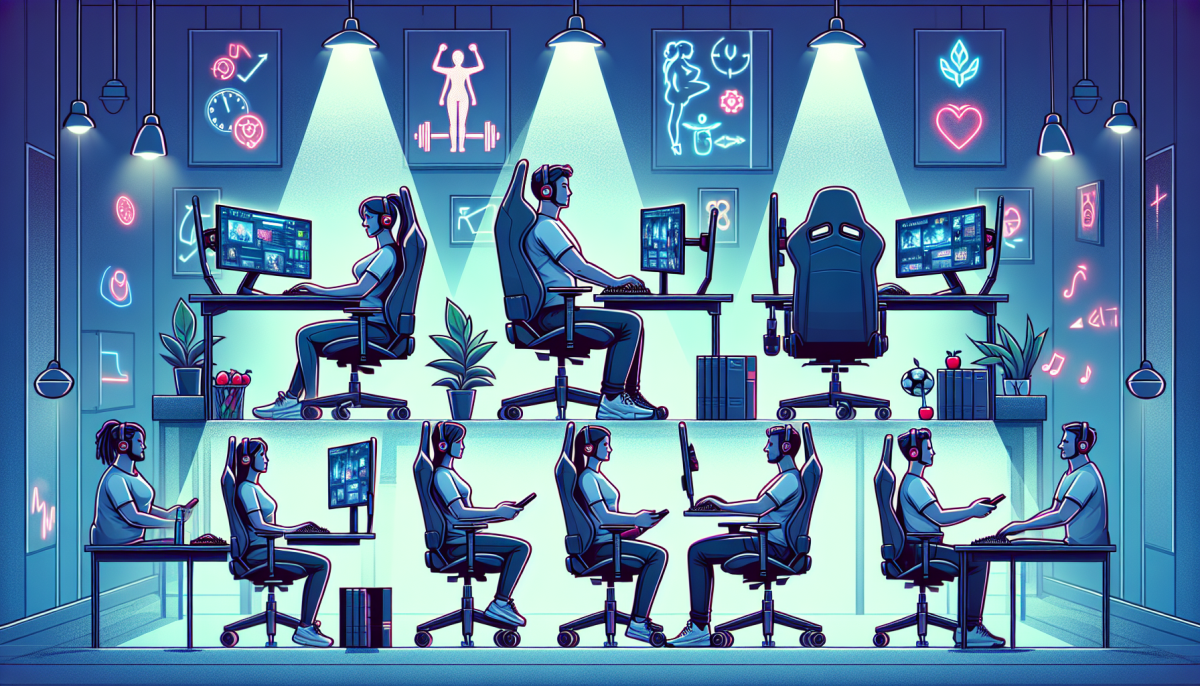
1. Adjust Your Chair: Choose a chair that supports your lower back. When sitting, your feet should rest flat on the ground (or on a footrest) with your knees at a 90-degree angle. If your chair is adjustable, play around until you find that sweet spot!
2. Monitor Placement: Your monitor should be about an arm’s length away from you, with the top of the screen at or just below eye level. This helps prevent neck strain and keeps your posture in check.
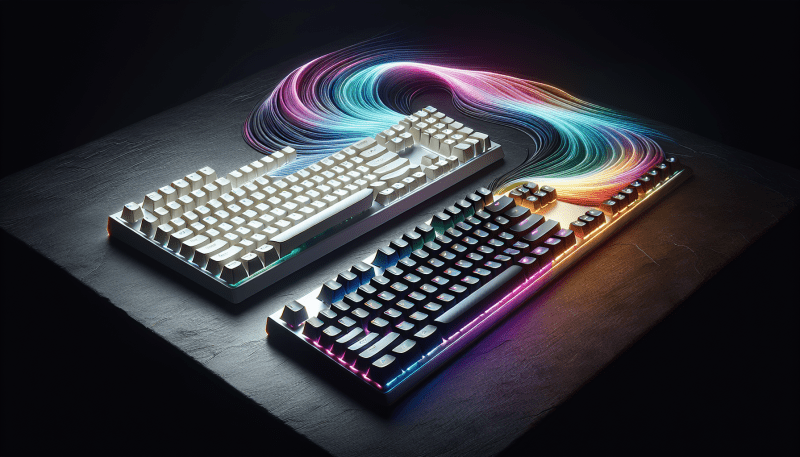
3. Keep Your Keyboard and Mouse Close: Your keyboard and mouse should sit close enough that you can keep your elbows at your sides. This reduces tension in your shoulders and wrists. If you’re using a mousepad, make sure it has enough space for comfortable movement.
4. Take Breaks: Don’t forget to step away from the screen every so often! A 5 to 10-minute break every hour can help reduce eye strain and improve circulation. Stretch a little, grab some water, or just walk around to refresh yourself.
How to Reduce Strain While Gaming
Gaming is a thrilling escape, but it can also take a toll on your body if you’re not careful. Reducing strain while gaming is all about setting up your space and your habits for comfort and health. Here are some simple tips to keep you feeling good, even during those marathon sessions!
First things first, let’s talk about your chair and desk. Make sure you’re using a chair that supports your back and encourages good posture. Your feet should be flat on the floor (or on a footrest), and your knees should be at a 90-degree angle. A desk at the right height lets your arms fall naturally when you use your keyboard and mouse. Investing in an ergonomic chair can make a world of difference.
Next up, consider your screen setup. Your monitor should be at eye level, so you’re not straining your neck to look up or down. An easy hack is to use books or a monitor stand to elevate your screen. Make sure it’s about an arm's length away and position it directly in front of you to avoid twisting your body.
Take regular breaks to stretch and move around. It’s easy to get caught up in the game and forget. Every hour, try to stand up, stretch your arms and legs, and maybe even grab a snack or drink some water. These little breaks help keep your muscles from getting stiff and your mind sharp. Plus, it’s a good way to reset and recharge!
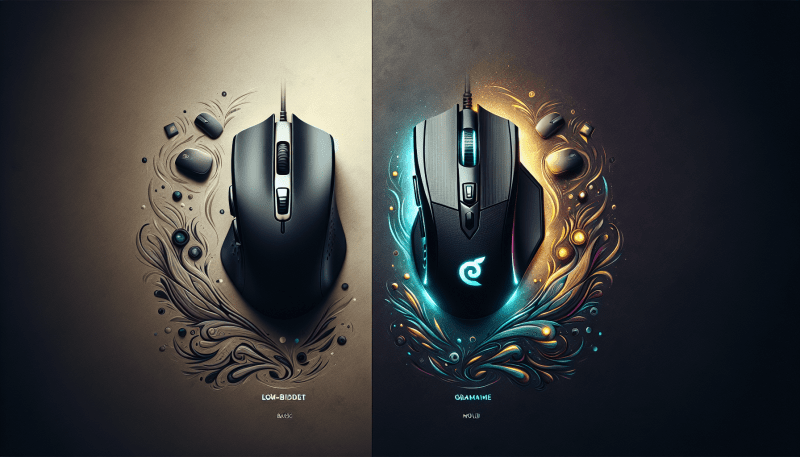
Lastly, don't forget about your hands and wrists. If you’re doing a lot of clicking, consider investing in an ergonomic mouse and keyboard. These tools are designed to keep your hands in a more natural position, reducing the risk of strain. And remember, try to keep your wrists straight and relaxed while you game.